Today I am going to try to enhance and expand the types of tasks included in a coursebook lesson with the assistance of ChatGPT. My aim is to create a variety of activities centered around the lesson’s main theme, which I can choose to use during the lesson or assign as homework or extended work.
Story dice are a set of small cubes with a different picture or symbol on each face. By rolling the dice, users generate a random combination of images—such as a ladder, a balloon and a bicycle—which they can then use as prompts to create a story. They are an excellent tool for the language classroom as they promote creativity and stimulate imagination. Additionally, story dice are available from a handful of websites.
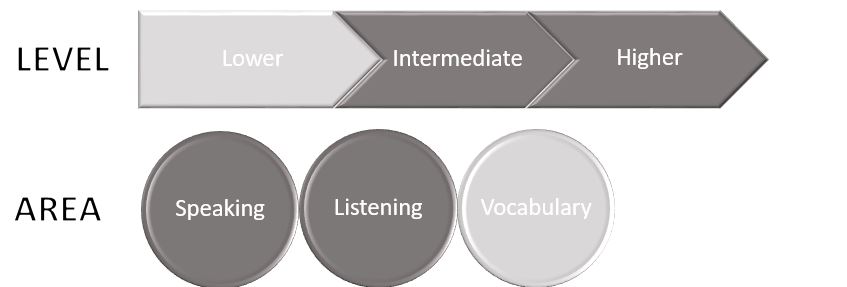
Today I will explore ways to use story dice in the classroom in combination with the ChatGPT voice extension or the Android/iOS app for added elements of creativity, interaction and multimodal language use and practice.
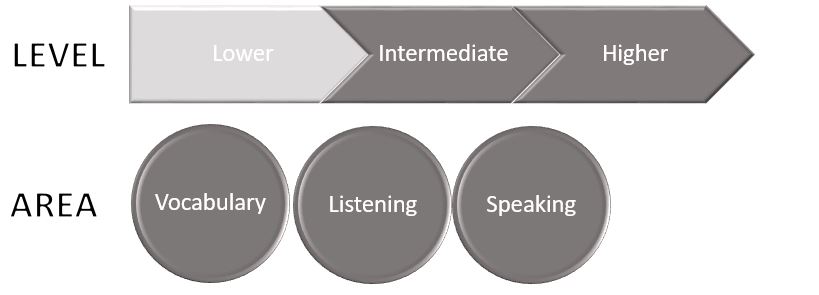
Gen.AI can be of enormous help in explaining vocabulary. There are various things we can do as learners to explore, understand and get exposure to lexical items, such as asking for definitions, requesting example sentences with the target words, or asking Gen.AI to write stories incorporating that vocabulary. In addition to these methods, teachers can also ask Gen.AI to generate conversation questions incorporating the target words for further exposure and practice in the language classroom. In this blog post I am going to give this last method a twist.
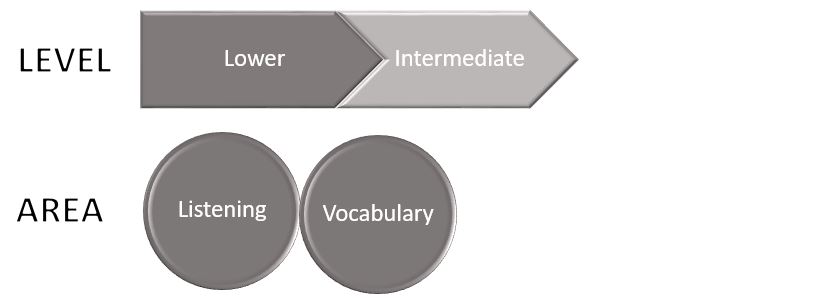
Today I will be sharing a way to play bingo with our students in class using Gemini. Although this game is ideal for lowel levels, it can also be adapted across all levels. As you will see, this tweaked version has more to do with a listening exercise that goes beyond simply identifying words on a bingo card.
There are a handful of voice extensions we can install in our browser as add-ons to interact with ChatGPT through voice. These extensions can also read ChatGPT’s responses outloud. Some popular extensions include Voice In, Talk-to-ChatGPT, ChatGPT Voice or VoiceWave. I have Voice Control for ChatGPT installed. This extension allows us to adjust the playback speed of the generated text, which is an added bonus for the language class. We can also install the ChatGPT app on an Android phone or tablet for voice interactions with ChatGPT and connect the phone to speakers.
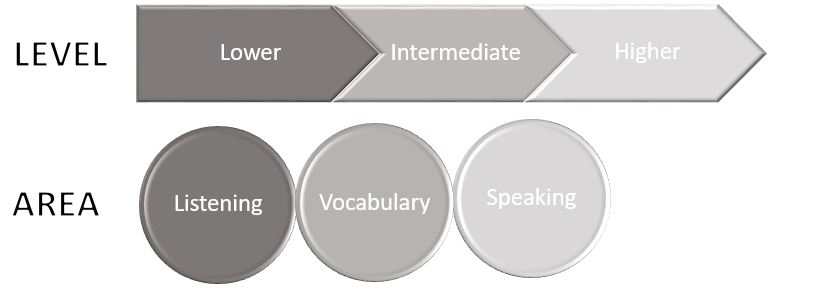
Today I’m going to create a listening activity for the students containing key vocabulary from a reading passage that they have already read and worked on either in class or at home. The idea is to provide further exposure to a specific topic and targeted language in different ways.




 AI in ELT